

Hotel POS system for your restaurant, bar and spa
A POS built for your hotel.
Fondouq's hotel point of sale takes payment in your restaurant, bar or spa and charges the bill to the guest's room. When the internet drops in the middle of service, it keeps on selling.
Built for hotels
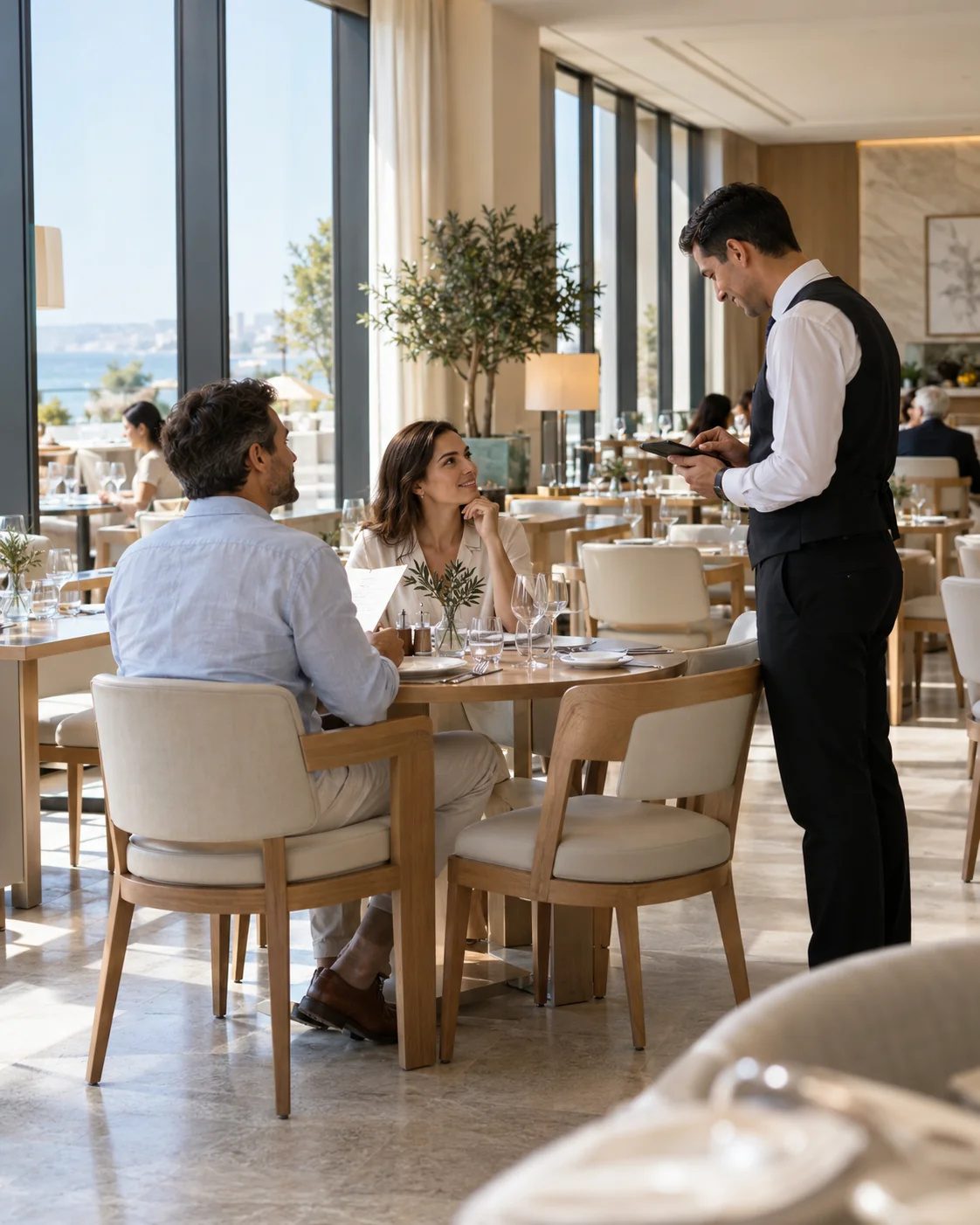
The restaurant bill posted to the room.
Table 4 is room 102. A standard restaurant POS settles a table. Fondouq's hotel POS also knows who is staying there: dinner goes onto the guest's folio, and they pay for everything in one go at check-out.
Order, kitchen, room. In three taps.
The POS takes payment in the restaurant, bar or spa and charges the bill to the guest's room. When the internet drops, it keeps on selling.
The POS in detail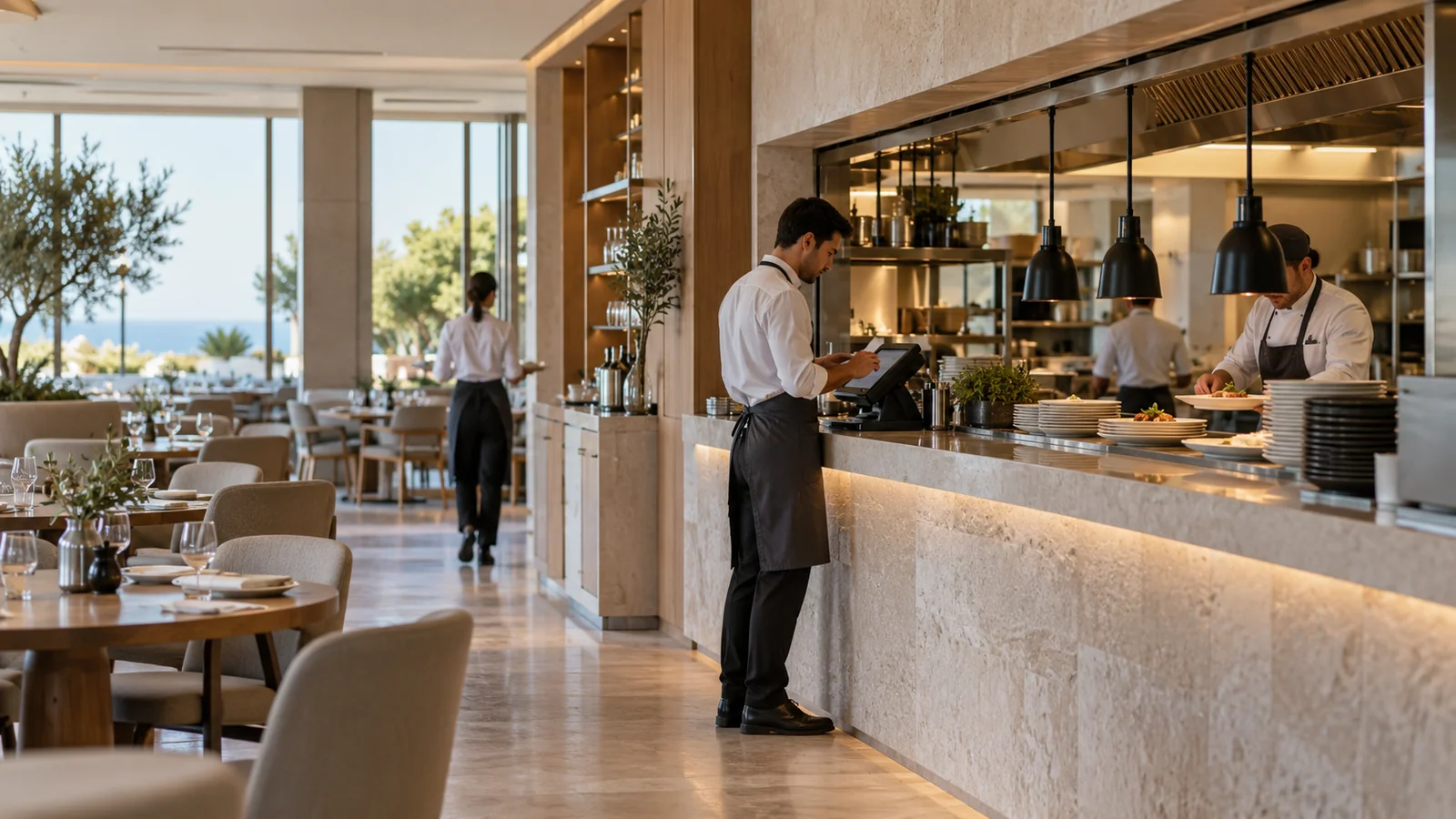
Offline mode
A POS that sells without internet.
The internet drops; service carries on. In the middle of a busy dinner, the POS records sales on the device. An indicator warns the team, and everything syncs as soon as the network is back: nothing to re-enter the next morning.
Printing
Kitchen and bar tickets sent in one tap.
The waiter sends the order once: dishes print on the kitchen printer, drinks on the bar printer. If the kitchen prefers a screen, the tickets show up there too (KDS), with the time elapsed since they were sent. Receipts and bills print with your property's header.
Outlets
One POS per outlet.
Restaurant, bar, café, room service, spa or shop: each outlet has its own sales, so you can see what the bar brings in compared with the restaurant.
Restaurant
Tables, kitchen tickets, the bill and charge to room.
Kitchen ticketsCharge to roomBar and café
Quick sales at the counter, bar tickets on their own printer.
Bar ticketsOfflineSpa and room service
Treatments and trays charged to the guest's bill, and shown on the invoice.
FolioInvoiceTablet, computer, browser
The same POS everywhere: in the web browser with nothing to install, or on an Android tablet at the counter.
AndroidBrowserYour receipt printer
No proprietary cash register to buy: we check with you what can be reused.
ReceiptBillTicketsThe POS in detail
A restaurant POS linked to your rooms.
A POS built for hotels, not just for restaurants
A standard restaurant POS knows how to settle a table. A hotel needs more: knowing that table 4 is the guest from room 102, putting their dinner on their bill and finding it on the invoice at check-out. Without a link between the POS and the front desk, receipts get retyped, bills go missing and guests leave without paying for the bar.
Fondouq's hotel POS is part of the platform: it knows your rooms, the stays in progress and every guest's folio.
From the restaurant to the folio: how charge to room works
When it is time to pay, the waiter selects "Charge to room", searches for the room or the guest's name, then confirms. The bill leaves the POS and joins the guest folio in the PMS, line by line, with the price of each item.
The guest pays for everything in one go at check-out. The charges appear on the stay invoice; if it has already been issued, Fondouq creates a supplementary invoice without changing the first one. A sale cancelled after it has been posted is removed from the folio with a credit.
A restaurant that is open to non-resident guests too
Does your restaurant or café welcome guests who are not staying at the hotel? The same POS takes their payment directly:
- in cash, with the change worked out for you;
- by card on your payment terminal, with the POS recording the payment;
- by bank transfer, for a group or a company;
- in several payments: the bill split equally or by item.
Dining room, room service or takeaway: every order keeps its origin, and the receipt can be printed or sent by email.
Hardware
Cash register or POS software: which should you choose?
The cash register: a device that works on its own
A cash register, even a touchscreen one, takes payments and prints receipts. It suits a shop that sells over the counter. In a hotel, it stays isolated: it does not know who is staying in room 102, and every dinner that needs to go on a guest's bill is copied by hand at the front desk.
POS software: your devices, one shared database
POS software runs on standard devices and shares its data with the rest of the property. Fondouq's hotel point of sale uses the same rooms, the same stays and the same invoices as the front desk. Your products, prices and sales are shared across every till, and each outlet keeps its own revenue figures.
Compatible hardware
There is no need for a proprietary cash register. The hotel POS runs on:
- an Android tablet for order-taking or at the counter;
- a computer with an up-to-date web browser;
- a receipt printer for receipts, bills and tickets, via the Fondouq print connector;
- your existing card terminal for card payments.
Tell us about your current equipment during the demo: we check with you what can be reused.
See the POS with your own dishes and drinks in a personalised demo. The price depends on your property and the modules you choose: see the plans and request a quote.
Receipts and cash-up
Receipts, voids and end-of-day close.
A numbered receipt for every sale
Every sale you take produces a numbered receipt in Fondouq, archived as a PDF, with your property's legal name and business details. Fondouq will not issue a receipt until those details are filled in: no incomplete documents and no gaps in the numbering.
Voids, refunds and end-of-day close
A sale that has been paid is never simply deleted: voiding or refunding it generates a credit note. At the end of the shift, the cash-up produces the session's Z report: sales by payment method, expected cash and the difference with the amount counted.
Hotel POS: frequently asked questions
What is a hotel point of sale?
A hotel point of sale (POS) is the till software used in a hotel's restaurant, bar, spa or shop. Unlike a standalone restaurant POS, it knows which guest is staying in which room, so a bill can be charged to the room and settled at check-out.
Does the POS work offline?
Yes. In offline mode, the POS keeps recording sales on the device, then syncs them with Fondouq automatically as soon as the connection is back.
How does the bill reach the guest's invoice?
When taking payment, choose "Charge to room": the bill joins the stay folio and appears on the invoice issued at check-out. If that invoice has already been issued, the charges go on a supplementary invoice.
Can I serve non-resident guests?
Yes. The POS takes payment in cash, by card on your payment terminal or by bank transfer, and the bill can be split equally or by item. Charging to the room is just one payment method among others.
Do I need a cash register?
No. The POS runs in an up-to-date web browser and on Android tablets, with a receipt printer and your card terminal. During the demo, we check with you what can be reused.
Which printers are compatible?
Receipt printers recognised by the computer on which the Fondouq print connector is installed. Tell us about your hardware during the demo.
Which devices does it run on?
In an up-to-date web browser, on the bar or front desk computer, and on Android tablets. The screens are the same everywhere.
Further reading
Is your current software holding you back?
Switch systems without losing a single booking.
Worried about the migration or about losing your data? Our team moves your rooms, bookings and guests across for you. They are ready when you are.
Book now, get started tomorrow.